Description
Need all four core workflow packs? Compare the Everyday AI Skill Bundle →
🎬 Product Video Concepts from One Photo
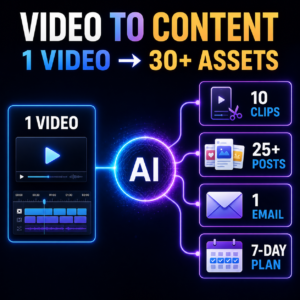
Start with one clear product photo and explore a studio scene, a lifestyle scene or a macro detail reveal. This pack guides you through scene planning, image and video generation, captions and review for vertical product videos. The time and number of usable drafts depend on your source photo, chosen tools and revisions. Check product identity and export settings before publishing.
🧰 Inside the Skill: The 5-Step Workflow
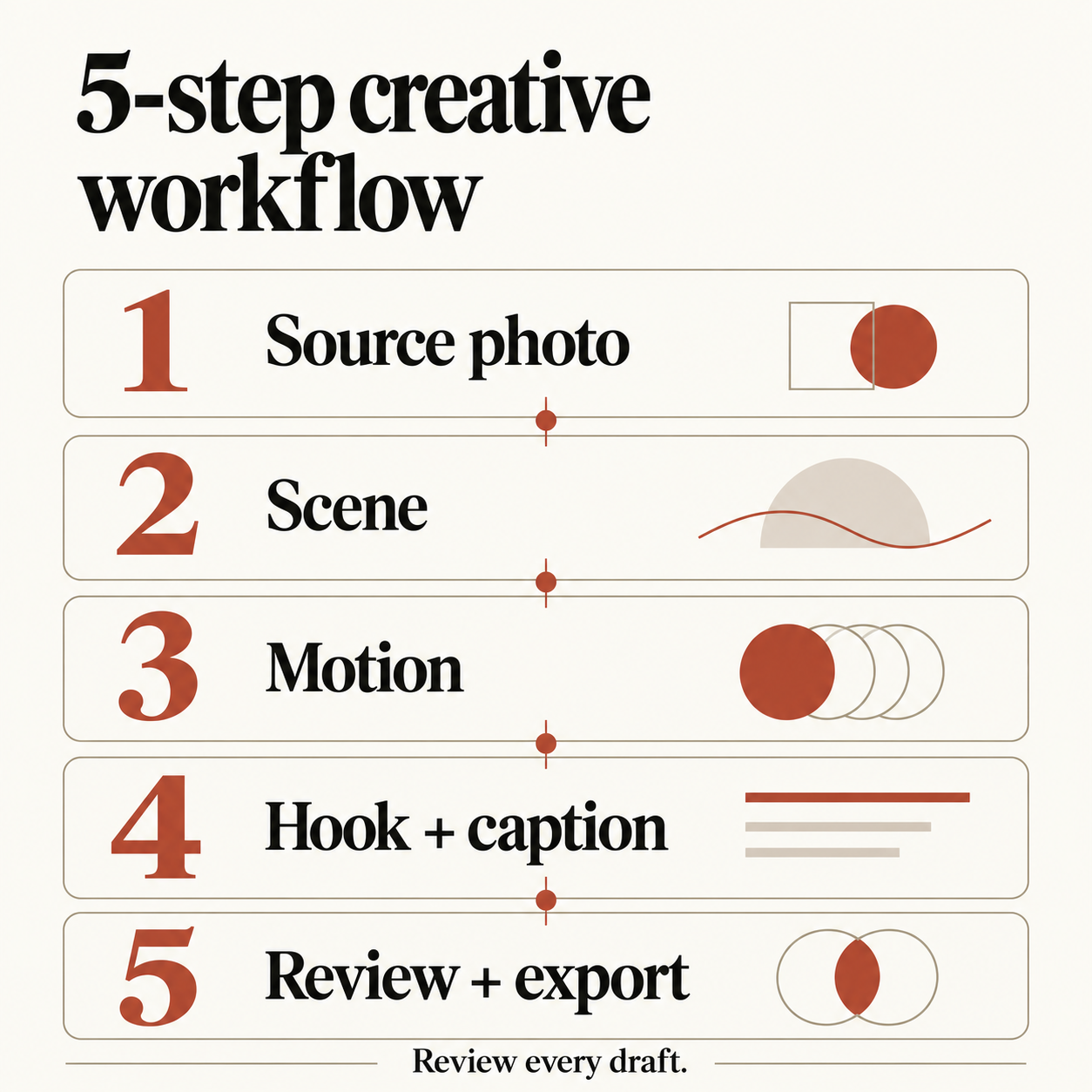
- Snap the product — one clean phone photo, lighting checklist included.
- Set the scene — studio, lifestyle, macro, seasonal & luxury scene prompts.
- Generate video — motion prompts and setup guidance for the tools covered in the guide. Check the chosen tool’s current controls before generating.
- Hook & caption — opening-hook prompts, caption templates and audio-selection guidance.
- Post & iterate — TikTok/Reels/Shorts checklist + weekly testing cadence.
📦 What You Get (Instant Download)
- 11-page PDF guide — the complete workflow, step by step
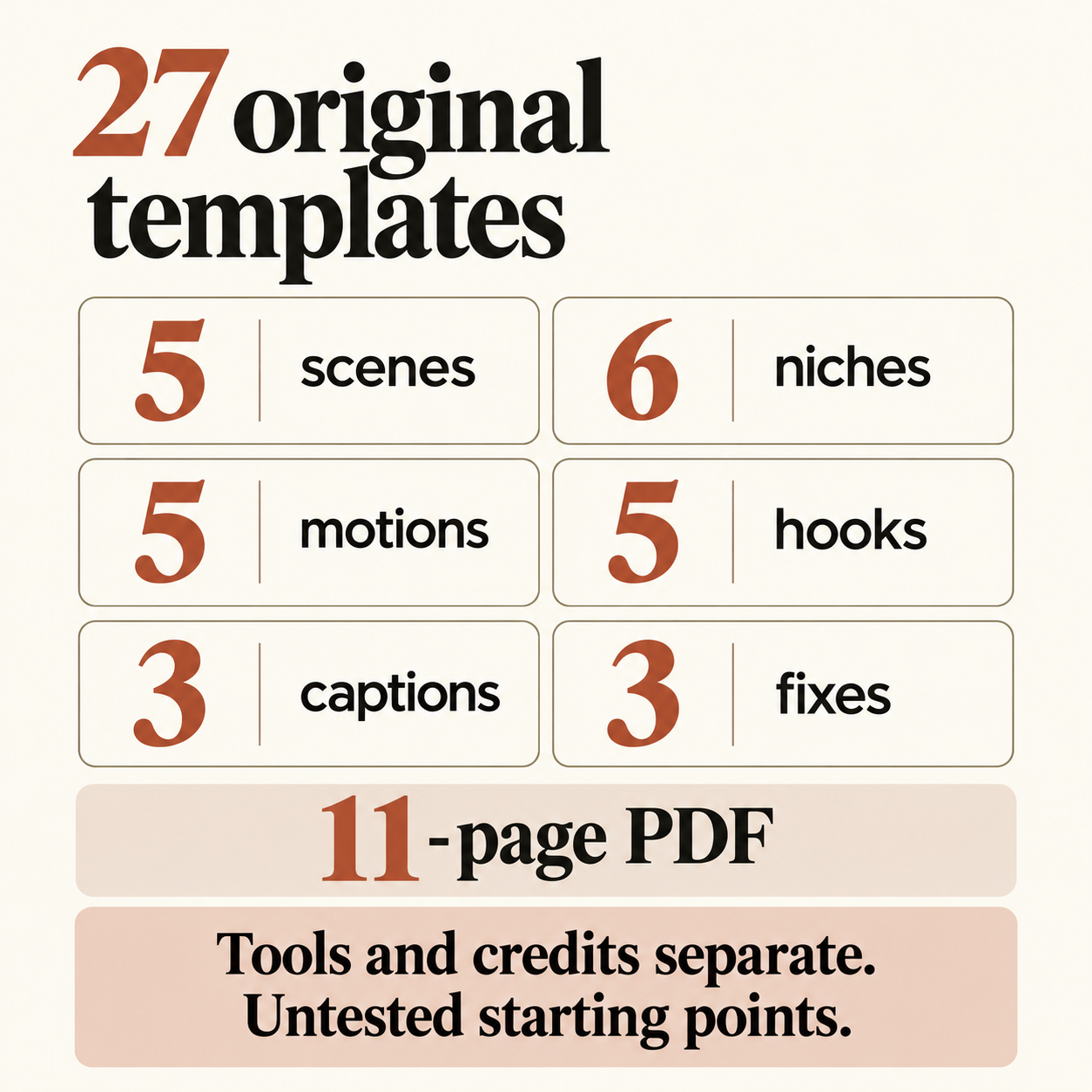
- 27 copy-paste prompts — 5 scene styles, 6 niche variants (skincare, beverage, fashion, tech, food, jewelry), 5 motion prompts, 5 hooks, 3 captions, fix prompts
- Tool stack guide — guidance on image generation, video generation and editing tools. Tool access, credits and export limits are separate from this pack.
- Troubleshooting — product drift, flicker, watermarks, color grading
🙋 Who It’s For
- TikTok Shop & Etsy sellers who need constant fresh creative
- DTC brands exploring product-video concepts before committing to a larger production
- Freelancers building a repeatable product-video workflow for client projects
Start with a product photo and copy-paste prompts. Plan to review the generated footage, make revisions and assemble the final edit.
❓ FAQ
Do I need paid tools? You need access to the image, video and editing tools you choose. Check their current plans, credits, export limits and usage terms before starting. Some projects may require paid access; tool subscriptions and credits are not included in this download.
Will the videos look AI-generated? Results vary by source image, tool and prompt. Review each draft for changes to packaging, logos and proportions, plus flicker and unnatural motion. The guide includes disclosure guidance; check the destination platform’s current rules before posting.
How is it delivered? Instantly after payment: a download link arrives by email and in your account.
Can I use it for client work? Yes — the license covers personal and commercial use on your own projects. Reselling the guide itself is not permitted.
Want all 4 packs? Compare the four included workflow packs, current price and delivery details.
View the Everyday AI Skill Bundle →
Try a source-preserving photo-motion baseline
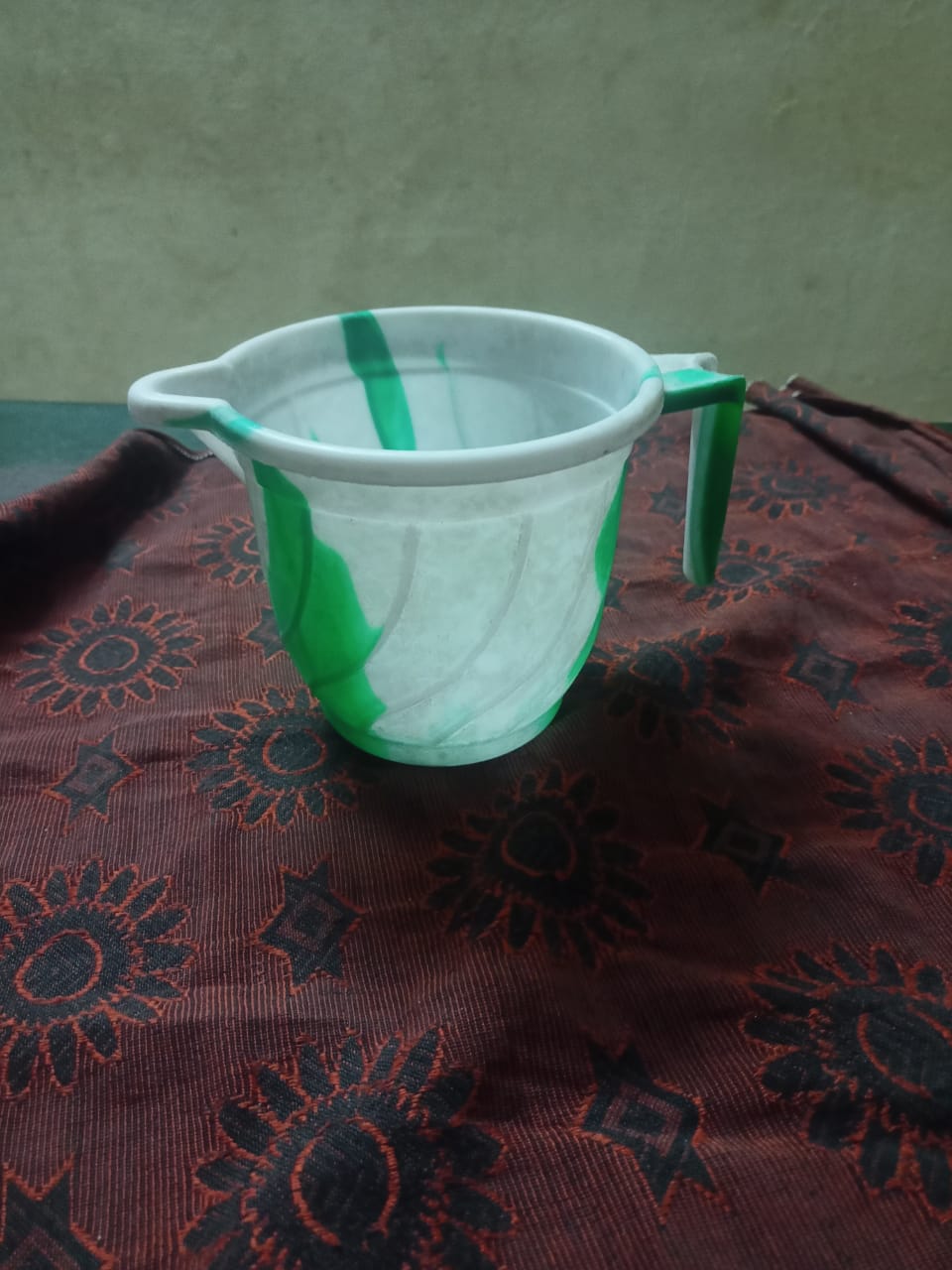
Free worked example: 2D photo motion, with no generative AI used. Before generating a new scene or angle, make a simple reference clip from your source photo. This six-second example moves the same photograph closer; it does not rotate the object or reveal another side.
Reproduce it, then compare
- Save the source JPEG and open the plain-text recipe. The recipe contains the exact command and source credit. It requires a separately installed FFmpeg with the listed filters and H.264 encoder; no software is bundled.
- Follow the recipe in a new folder. The tested export is 720 × 1280, 30 fps, 180 frames and six seconds, with no audio. A padded canvas keeps the full photograph inside the frame while the centered zoom moves from 1.00 to 1.05.
- Pause near the start, quarter, middle, three-quarter and end. Compare the cup’s rim, handle, green stripe and proportions with the input. Check that the object stays inside the frame, then play the full clip to inspect motion.
Open or save the example MP4. Downloads are free; no purchase or email is required.
Choose the motion that fits the job. A photo-motion baseline can help when a gentle push-in is enough. New scenes or apparent turns need a different workflow and a fresh identity check. This example does not test the paid guide’s prompts, demonstrate an AI-generated result or restore missing photo detail.
Source: “Mug image” by Mohanraj55 / Wikimedia Commons, CC0 1.0. Lingmirage made the padded 2D video and recipe. The source is an everyday photograph, not a customer case study or a commercial-quality result claim.




Reviews
There are no reviews yet.