Description
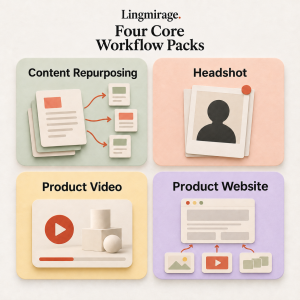
Need all four core workflow packs? Compare the Everyday AI Skill Bundle →
📸 Explore Headshot Styles from Your Selfies
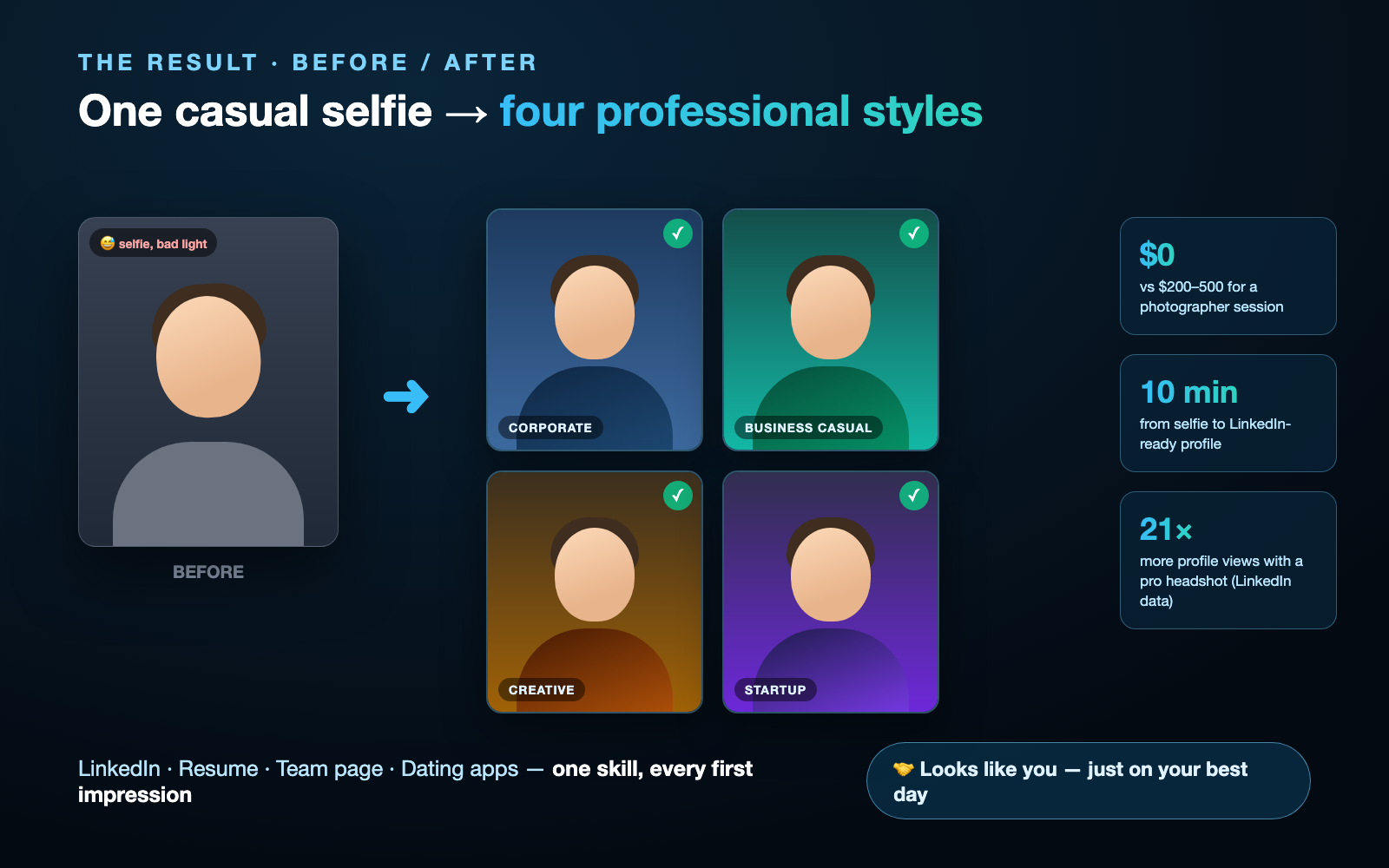
Use your selfies to explore corporate, business-casual, creative and startup-style headshots. This paid pack provides preparation guidance, style prompts and a selection checklist to help you assess the results. Check likeness, skin texture, eyes and clothing before using an image on a professional profile. Generation time, revisions and tool costs depend on your source photos and chosen service; third-party tools are not included.
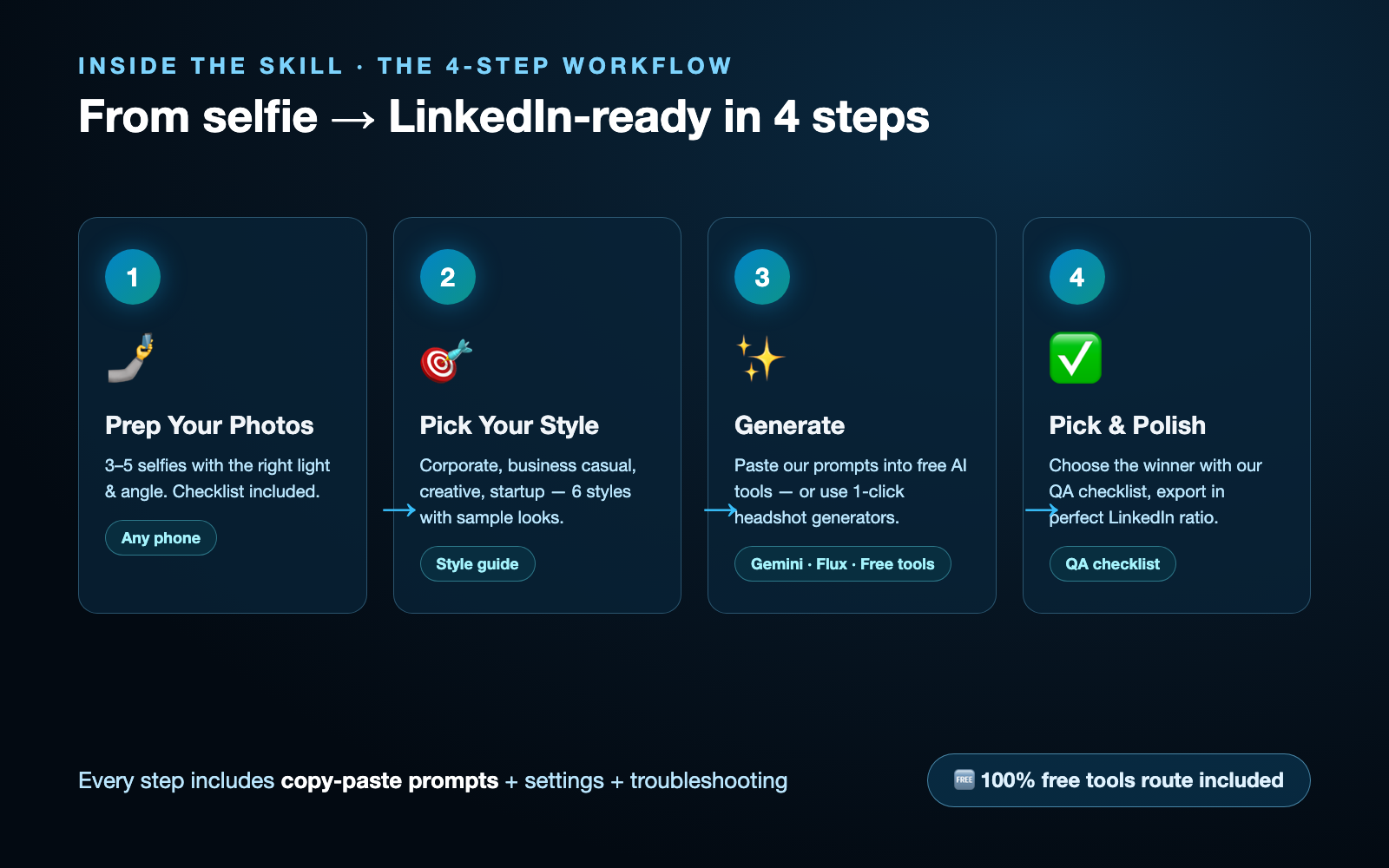
🧰 Inside the Skill: The 4-Step Workflow
- Prep your selfies — use the 3–5 photo preparation checklist to choose clear reference images.
- Pick your style — 6 professional looks matched to use cases (LinkedIn, resume, team page, founder profiles).
- Generate — use the base prompt formula and style prompts with a reference-image generation tool.
- Pick & polish — use the QA checklist to review likeness and visual artifacts, then check the export requirements of the destination.
📦 What You Get (Instant Download)
- 9-page PDF guide — the complete system, step by step
- 22 copy-paste prompts — likeness-lock base, 6 style prompts, camera realism block, 6 tuning prompts (fix waxy skin, dead eyes, drift, wrong clothes)
- Two tool routes — guidance on general image-generation tools and dedicated headshot generators. Check each provider’s current access, costs and terms before choosing a route.
- Ethics & disclosure notes — where AI headshots help and where they backfire
Pricing note: You are buying this skill pack (PDF + prompts). Third-party image-generation tools, subscriptions and credits are not included. Check the chosen provider’s current plans and limits before purchase.
🙋 Who It’s For
- Job seekers & career changers updating LinkedIn and resumes
- Founders and freelancers building a personal brand
- Teams needing consistent headshots without booking a photographer
The prompts are copy-paste ready, with guidance for preparing your photos and reviewing the results. Expect to select and refine images rather than accept every first draft.
❓ FAQ
Do I need paid tools? It depends on the provider and the features you need. The guide covers two routes; check current access, credits, output limits and usage terms for the tool you choose. The pack does not include tool subscriptions or generation credits.
Will it actually look like me? The prompts and checklist focus on preserving your real features, but likeness is not guaranteed. Compare each result with your source photos and reject images that change your face or other identifying details.
How is it delivered? Instantly after payment: a download link arrives by email and in your account.
Can I use it for client work? Yes — the license covers personal and commercial use on your own projects. Reselling the guide itself is not permitted.
Want all 4 packs? Compare the current Everyday AI Skill Bundle price with the individual packs before choosing.
Compare the four core workflow packs →
A six-check headshot review you can fill in
Compare each candidate with your reference photos before choosing it. Use clear views at a similar angle, then inspect the candidate at full size and in its intended crop. Record keep, reject or uncertain for each row, plus one next change. If the reference does not show a detail clearly, mark it uncertain rather than guessing.
Authored illustration; no reference photos or generated images were reviewed. This is an on-page review example, not an additional download or a report of results.
| Check | Reference | Decision + next change |
|---|---|---|
| Face proportions | Clear front or matching-angle photo; compare eyes, nose and jaw. | ___; reject changed proportions; choose another candidate. |
| Distinctive details | Visible freckles, marks, hairline or facial hair. | ___; reject invented or missing details; note what to preserve. |
| Skin texture | Reference with clear, even lighting. | ___; reject smeared texture; request less smoothing. |
| Eyes and accessories | Visible eye details, glasses or earrings. | ___; reject doubled edges; choose another candidate or revise styling. |
| Crop | Your intended profile crop. | ___; keep clear framing; adjust if important details are clipped. |
| Clothes and setting | Your intended use and permitted styling. | ___; reject invented insignia or affiliations; revise the request. |
Hypothetical filled example: Crop — keep: the imagined profile crop leaves the face unobstructed. Next change: none. Accessories — reject: an imagined candidate has a split glasses edge that the reference would not have. Next change: select another candidate and check its glasses again.
Keep your notes with the image you choose, and revisit uncertain details against a clearer reference.

Reviews
There are no reviews yet.